


Why SSDs Are a Game-Changer for Loading Times
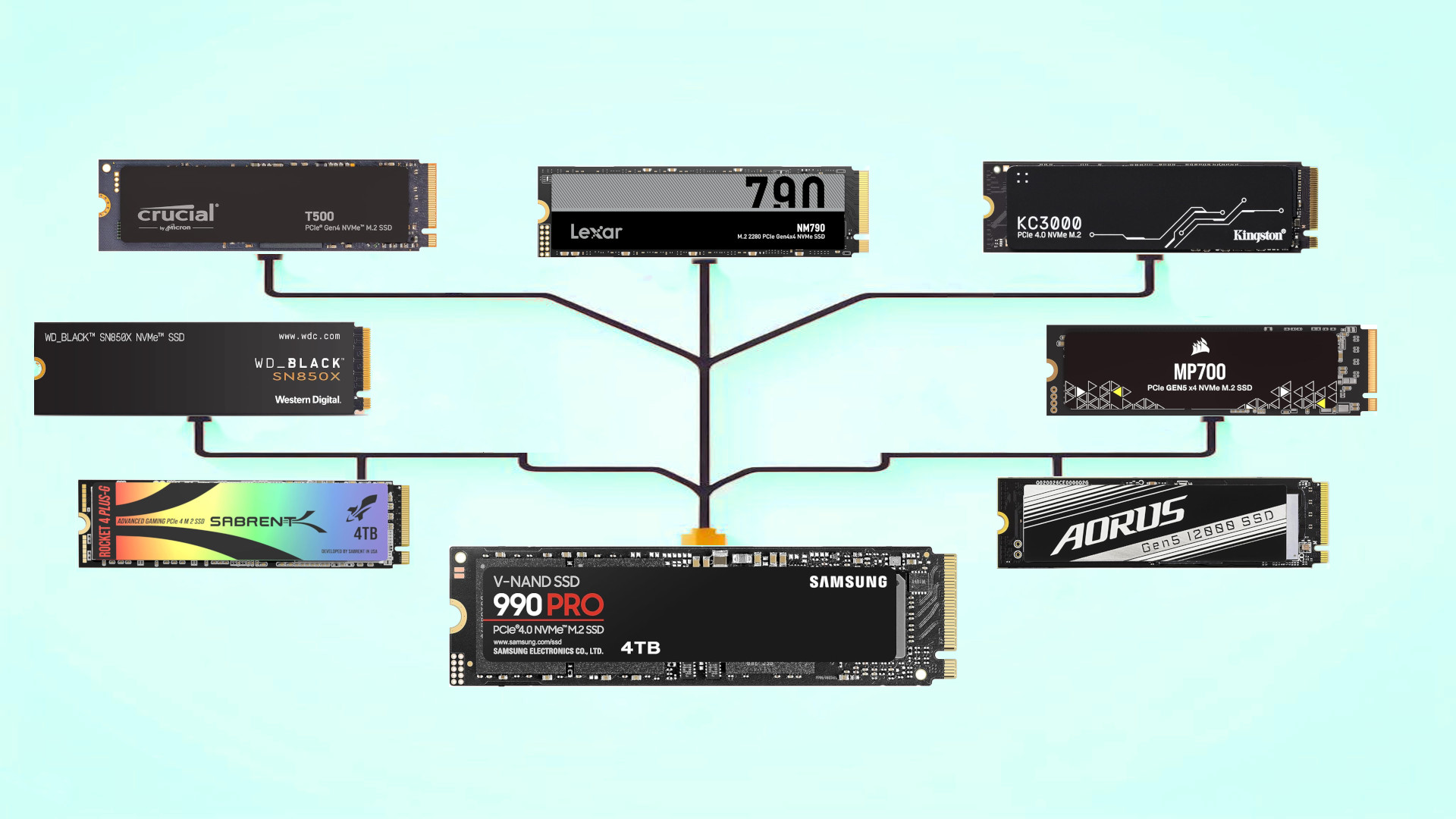
The Problem: Waiting Instead of Playing
We’ve all been there — you launch a game, and instead of diving in, you sit through a loading screen long enough to check messages, pour a drink, and still return to see “Loading…” flashing in the corner. This isn’t just wasted time — it’s a constant break in immersion, pulling you out of the game world before you even get started.
The SSD Difference
Unlike traditional Hard Disk Drives (HDDs), which rely on spinning platters and mechanical arms to read data, Solid State Drives (SSDs) store information in flash memory. This means data retrieval happens instantly — no moving parts, no physical lag. For gamers, the difference can be dramatic: what once took 45 seconds might now take 5.
Real-World Impact in Games
-
Open World Streaming: In titles like Elden Ring or Grand Theft Auto V, SSDs allow textures, buildings, and NPCs to load seamlessly, preventing the “pop-in” effect common on HDDs.
-
Quick Resume Features: On modern consoles, SSDs make it possible to suspend a game, switch to another, and return instantly without reloading from scratch.
-
Competitive Advantage: In some multiplayer games, faster loading means entering the map earlier, giving you a few extra seconds to prepare.
Beyond Gaming
SSDs speed up the entire system — from boot times to file transfers. Your PC or console feels more responsive in every task, not just gaming.
An SSD is one of the most cost-effective upgrades you can make to improve your gaming experience. It won’t increase FPS like a new graphics card, but it will eliminate unnecessary downtime — and once you get used to near-instant loading, going back feels impossible.


